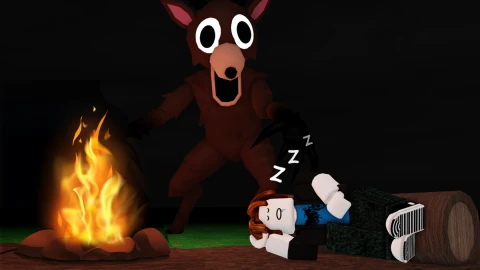
 259K playing
99 Nights in the Forest
by Grandma's Favourite Games
30.1B visits90% liked
SurvivalBuyers look for horror games with a recognisable monster or setting and a community that comes back for each new chapter. List yours with its live stats and let buyers make offers. Buyers pay into escrow before you transfer anything.
The buyer's money is held in BLOXG escrow before you hand anything over. No chasing payments, no transferring to someone who hasn't paid.
Live players and visits come straight from Roblox. Add your revenue proof and get a Verified revenue badge buyers trust.
Pick your price, take offers or keep it fixed, counter once, and accept the buyer you want. An accepted offer holds the game for 48 hours.
No listing fee. A 10% success fee comes out of the price only when your horror game sells; the rest lands in your BLOXG wallet.
In horror games, buyers pay for an audience that returns for new chapters, revive and skin sales, and a strong thumbnail. Show them the numbers behind it.
852K people are playing the 98 horror games in the BLOXG games directory. Not for sale: they show what horror players are into right now, the games buyers will compare yours with.
259K playingby Grandma's Favourite Games
30.1B visits90% liked
Survival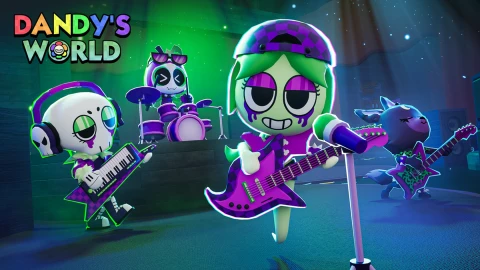 136K playing
by BlushCrunch Studio
7.7B visits88% liked
Survival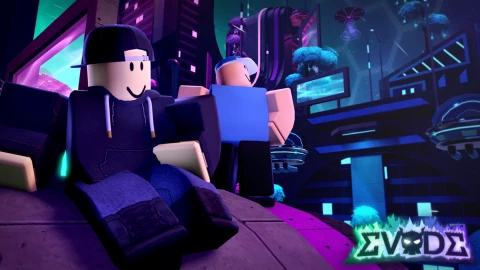 66.4K playing
by Hexagon Development Community
9.3B visits94% liked
Survival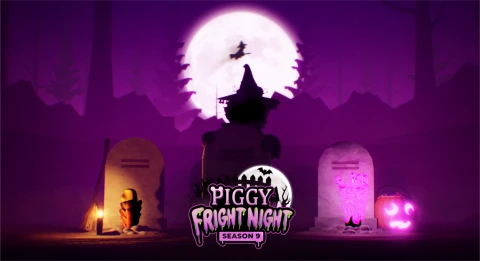 52.3K playing
by Piggy Dev Team
14.4B visits90% liked
Survival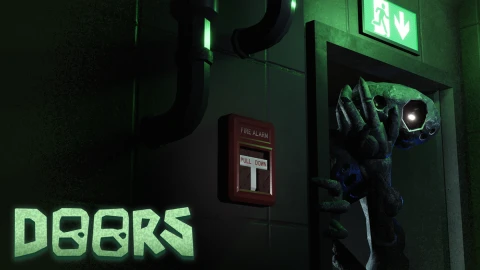 51.3K playing
by LSPLASH
7.9B visits93% liked
Survival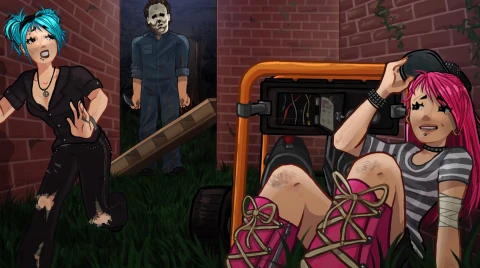 32.7K playing
by VIOLENCE DISTRICT
1.6B visits93% liked
SurvivalSix steps from listing to money in your wallet.
Paste your Roblox game link. We fill in the name, live stats and thumbnail; you add the price and what's included.
Put a one-time code in the game's description, click Verify, then remove it. A BLOXG admin reviews the listing.
Buyers buy at your price or make offers. Accept, decline or counter once; an accepted offer holds the game for 48 hours.
The money is held by BLOXG before you hand anything over, so you never transfer a game to someone who hasn't paid.
Move the group or experience to the buyer and tick off each included item on the order page.
The buyer confirms (or 7 days pass) and the money lands in your BLOXG wallet, minus the success fee.
| Listing your game | Free |
| Success fee (from the sale price, only when it sells) | 10% |
| Buyer protection (paid by the buyer) | 5% + card |
| Withdrawals (PayPal or crypto, from $10) | Free |
| Sale price | $5,000 |
| Success fee (10%) | -$500 |
| You receive | $4,500 |
| The buyer pays (by card) | $5,526.63 |
Buyers mostly price a game on its monthly revenue and how steady it has been: months of consistent earnings are worth more than one big month. Live players, retention, how much work it needs and what's included (group, place file, passes, Discord) move the price too. In horror games, buyers pay for an audience that returns for new chapters, revive and skin sales, and a strong thumbnail.
Soon after a chapter or event release, while players are high and the numbers show the game can still pull people back. Listing in a long gap between updates usually means lower offers.
If they're in the place file, list them under what's included. Buyers pay more for content that's ready to ship than for a roadmap.
Listing is free. When your game sells, BLOXG keeps a 10% success fee from the sale price; the buyer pays a separate 5% buyer protection fee. You see exactly what you'll receive before you list.
When you create a listing you get a code like BLOXG-7F3K2. Add it anywhere in your game's description on Roblox, click Verify, and we read it back from Roblox. Then you can remove it.
The buyer pays into escrow before you transfer anything. Once you've handed the game over and marked it transferred, the buyer confirms and the money lands in your BLOXG wallet. If they don't respond within 7 days it's released to you automatically.
You can list without it, but games with numbers sell faster and for more. Upload Creator Dashboard or DevEx screenshots privately and an admin can mark your revenue as Verified by BLOXG; only you and BLOXG see the screenshots.
The payment stays on hold and a BLOXG admin reviews the order page: the checklist you ticked, your messages and any screenshots. Clear transfer evidence protects you.
Paste your game link and we'll fill in the rest. It takes about five minutes, and listing is free.